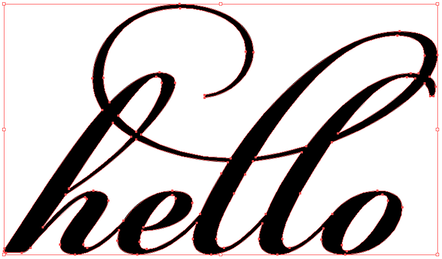
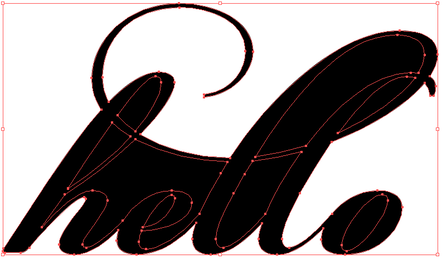
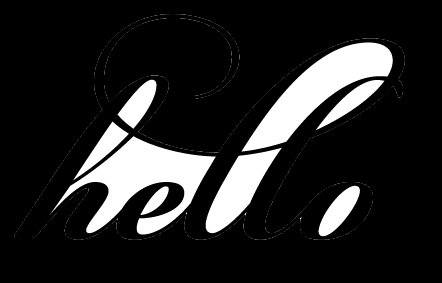
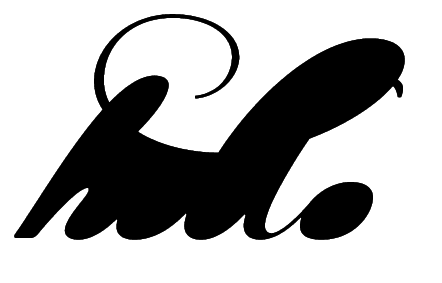
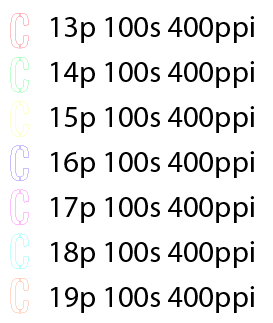
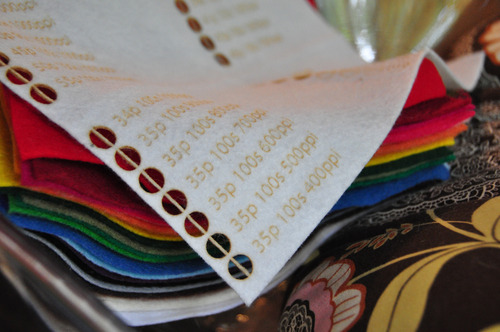
Cutting art with fine details requires accounting for the kerf of the laser beam. The laser beam’s center follows the center of the vector path. Some material will be burned away; the width of the removed material is called the kerf.
The kerf depends on a few factors, including the size of the lens, the type of the material, and the speed of the cut. For example, when cutting cardstock with a 1.5” lens a ULS 4.60 there is a 0.003” kerf on straight cuts and a 0.007” kerf on round cuts. Since the beam is centered, we only need to account for half of the kerf. In practice I’ve found that a 0.003” addition to the art allows for a good approximation of the original art.
Normally in Illustrator CS4 I use the appearance palette to add a Path->Offset Path… to account for the kerf. However, this doesn’t work correctly with inside cuts.
|
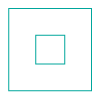
For example, from this art:
|
we would like to end up with a frame.
|
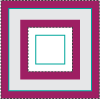
However, the kerf (purple) will cut from the exterior and interior, leaving a frame with a narrower width than intended.
|
|
|

|

|
|
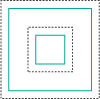
With Offset Path… only, both paths become larger.
|
The final frame is bigger all around.
|
|
|
|
|
One easy change is to set the outer square to a positive offset, and the inner square to a negative offset. However, with complex artwork it is tedious to select every inner and outer cut separately.
|
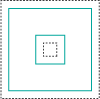
Instead, select the cuts and use Object->Compound Path->Make. Then with the compound path selected apply the Offset Path.
|
Now the kerf is correctly accounted for and the desired frame is achieved.
|
|
|

|
Candyspotting specializes in laser-cut paper. Contact me for a free estimate.